How to the Install IIS Web Server and Select the Required Features
When you start the WDC, it first attempts to detect the presence of IIS on the local computer. If the WDC fails to find it, a button is displayed which can be used to install IIS and select the features needed for IIS to function as a web server for PcVue. IIS must be present before the WDC will allow you to set up the web server.  Show picture
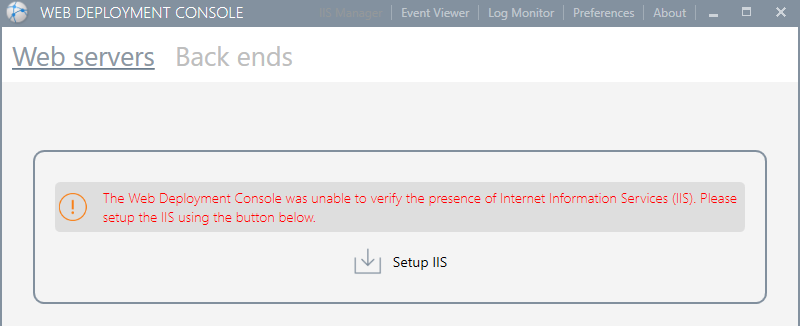
Once IIS has been setup, the WDC will display the buttons to setup a new server or import the configuration from a file.
Summary of the IIS features required
At the time of writing, the following IIS features are required by the PcVue web services and apps. The screen shot was taken using Windows 10. The appearance of screen shots from other operating systems may be different. Show picture
