Smart Bots Manager
To start working with Smart Bots, the process blueprint must be formalized and designed by using the Smart Bots Manager. This tool provides a HMI for the user to create and dynamically deploy the Smart Bots to the connected Instant Messaging Server.  Show picture
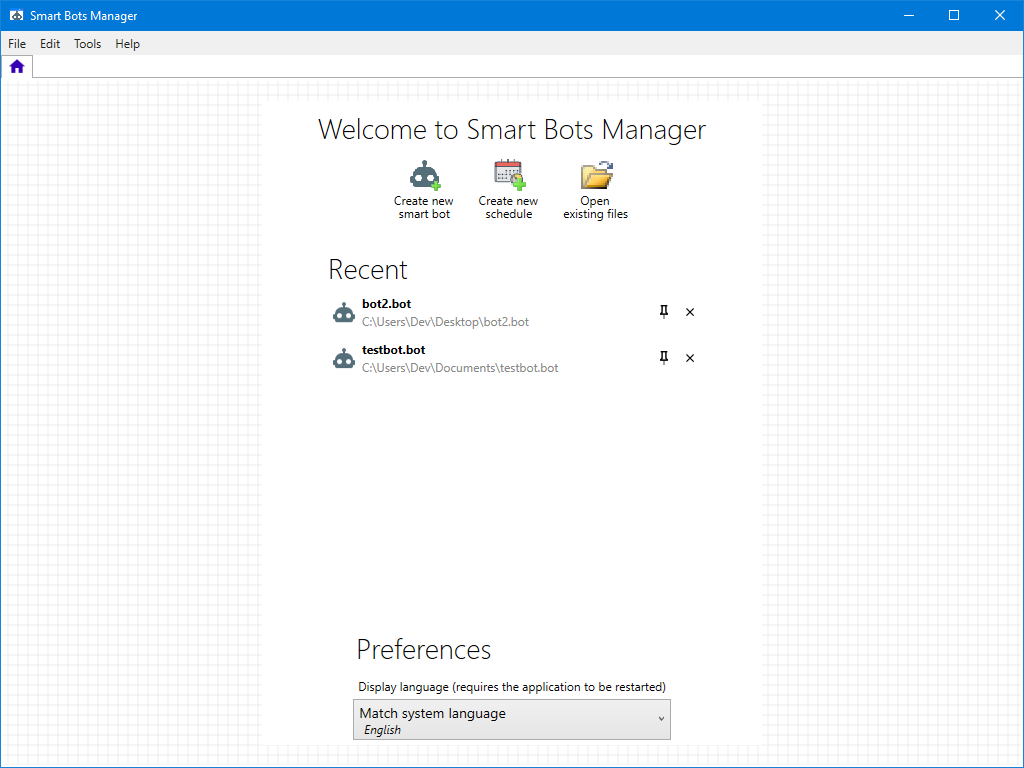
The Home page
The Home page is displayed when the Smart Bots Manager is opened and it can also be displayed at any time during its use by clicking the Home tool  . The Home page contains shortcuts to access recently used Smart Bot (.bot) files and tools to create new Smart Bots, new Schedules and open existing files.
The Welcome page also provides access to the Preferences from where the language for the Smart Bots Manager can be changed from the default of Match System Language.
The Tools menu
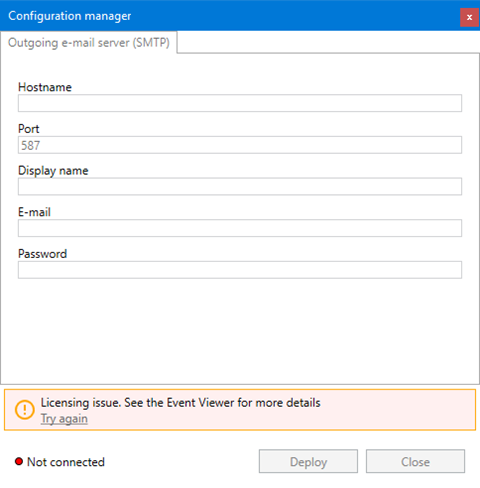
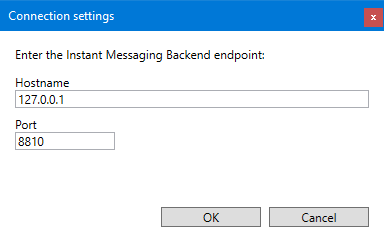
The Tools menu provides access to Connection Settings and the Configuration Settings.
The Connection Settings dialog is used to configure the HostName and Port for the Messaging Server Back-end where the Smart Bots plug-in is deployed. Show picture
The Configuration Settings dialog is used configure common settings for the various APIs and protocols, such as SMTP. Show picture