Login Page
The WebScheduler is accessed by entering the WebScheduler's Url into a Web Browser. Upon successfully connection to the web server, the Login page is displayed.  Show picture
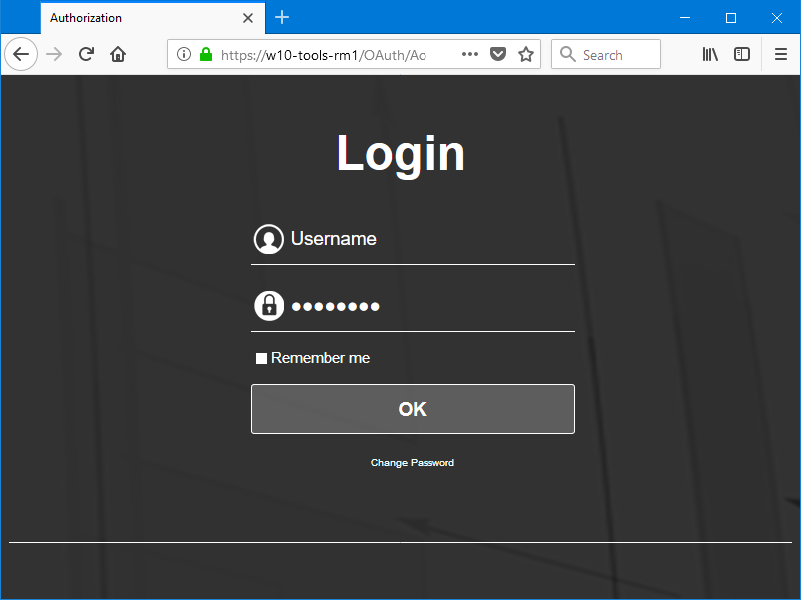
To log in enter the Username and Password of a User of PcVue with WebScheduler access rights. The connection is established on clicking Login and, assuming good credentials have been entered, the WebScheduler default page is displayed.
Using Remember me
If you tick Remember me, the next time that you start the WebScheduler on the same PC, you will go directly to the Overview page without having to login first (Auto login). This option requires the use of cookies and so they must be permitted in the Web Browser configuration to use it.
You can clear the auto login from a button on the Settings page.
You can also click the Change Password button link if you want to change your password.