Manually Registering an ActiveX Control
Before you can use an ActiveX control, it must be registered with the operating system. ActiveX controls supplied as part of an application are normally automatically registered when the application is installed. However, if you want to install an ActiveX that has been supplied as a component, use the following procedure.
- Copy the ActiveX program file (*.OCX) to the Windows System folder.
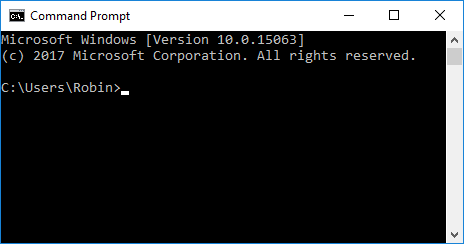
- Open a Windows Command Prompt.
 Show picture
Refer to the Microsoft Windows help for details on how to do this on your specific operating system. - Type Regsvr32 followed by the name of the ActiveX control.
- Select the OK command button.
A message will then be displayed indicating whether the registration has been successful or not.