Log Viewer Overview
The Log Viewer is a control that displays the data that has been archived through a single Log List. You can display all of the data from the Log List, or a sub-set of it. A Log Viewer can only display data from one Log List at a time. Any number of Log Viewers can be embedded in a mimic, the only limitation being the amount of physical space and memory available.
By selecting the type of data recorded
by a Log List, you can easily create historic alarm lists, process event lists and operator action lists. For more information, on how the Log Lists
are configured see the book about Archives.  Show picture
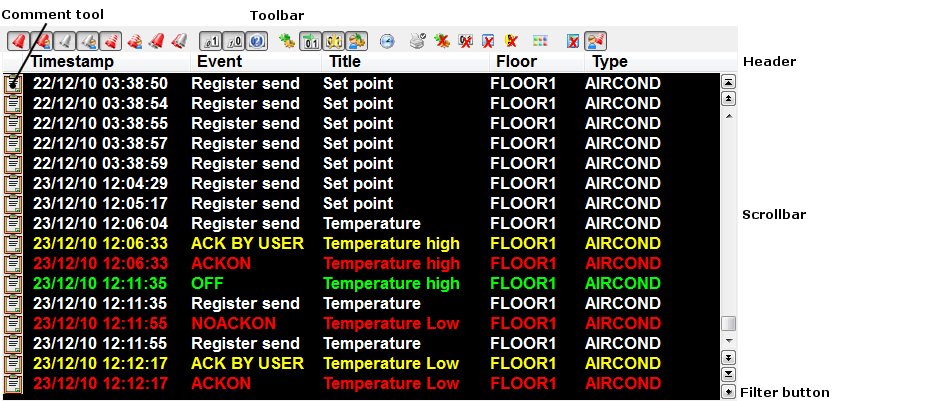
Summary of Features
- Log Viewers can be embedded in any mimic.
- Unlimited number of Log Viewers in each project.
- The size of Log Viewer is configurable from 1 line to the maximum allowed by the screen resolution.
- Log events can be selected from: Alarm changes of state, Bit changes of state and Operator actions.
- Data can be filtered by Domain and Nature.
- Optional scroll bar.
- Optional Toolbar and context menu to filter which log events are displayed.
- The format of the log lines in the display list is 100% configurable.
- Can be configured so that the newest logs appear at the bottom, or at the top, of the list.
- Can be scripted by SCADA Basic for more advanced features.
- Can have a context mimic. For details, see the topic Opening a Context Mimic Using a Mouse Button.