ONVIF control overview
The ONVIF control displays the video stream from an ONVIF compatible camera that has been previously configured in the Security device node in the Application Explorer.  Show picture
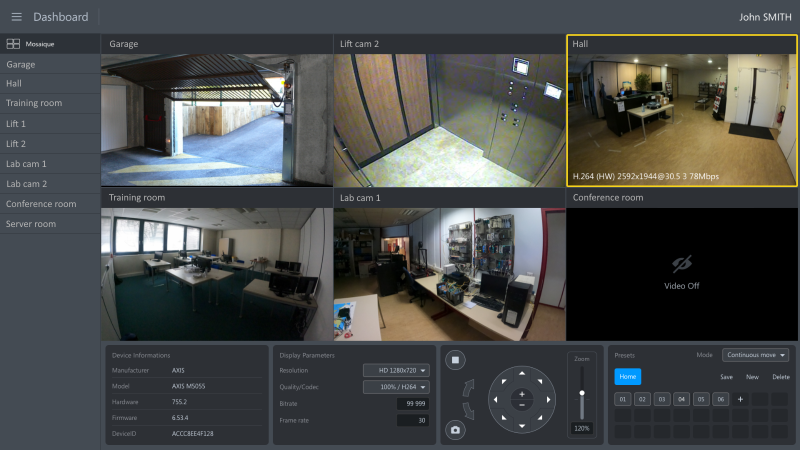
The ONVIF standard defines the available features using a Profile. PcVue supports the profile S in which the client (PcVue) can configure, request and control video streaming over an IP network.
At run-time the ONVIF control has a context menu that can be used to change the camera properties. A predefined animation is available to dynamically control an ONVIF instance without scripting, see the topic Camera PTZ for more information. More advanced functionality can be added with SCADA Basic scripting. See the instruction CAMERADISPLAY for details.
The acronym PTZ is often used when explaining camera control. It means Pan, Tilt and Zoom which are the three main adjustments you can make to the view provided by the camera.