Login View
The Login view is used to log into the Web server.  Show picture
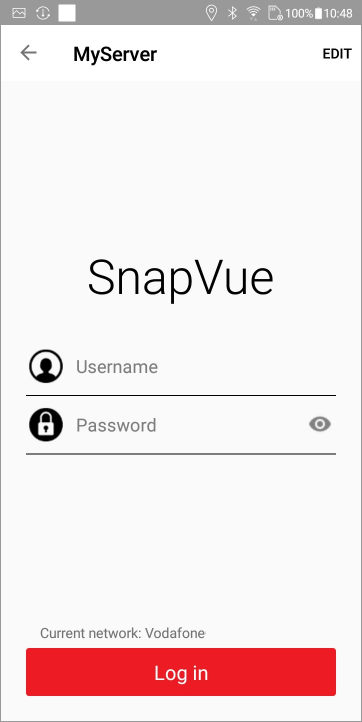
How to log in
To log in enter the Username and Password. The login process takes a few seconds whilst the app connects to the Web server. After logging in is successfully completed the Status view is displayed showing the status of the various services used. Show picture
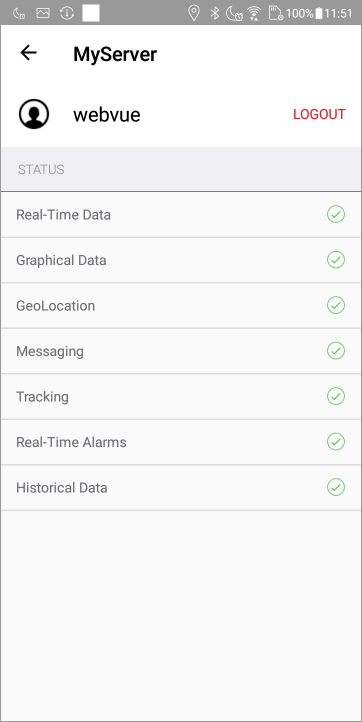
From the Status view, you return to the Accounts view using the left arrow button.
The services depend on the app (SnapVue or TouchVue).
Not all services are mandatory. In particular, Messaging and Tracking are not mandatory for the base contextual services to be effective.
Other actions available from the Log In view
- Tapping EDIT opens the Server Configuration view for the selected account.