


more quick actions
minimize quick actions







| Applies to:
PcVue all versions |
||
|
|
||
| Summary:
his article explains how to read Lonworks UCPT and SCPT tags from an equipment. |
||
|
|
||
| Details:
There are two methods :
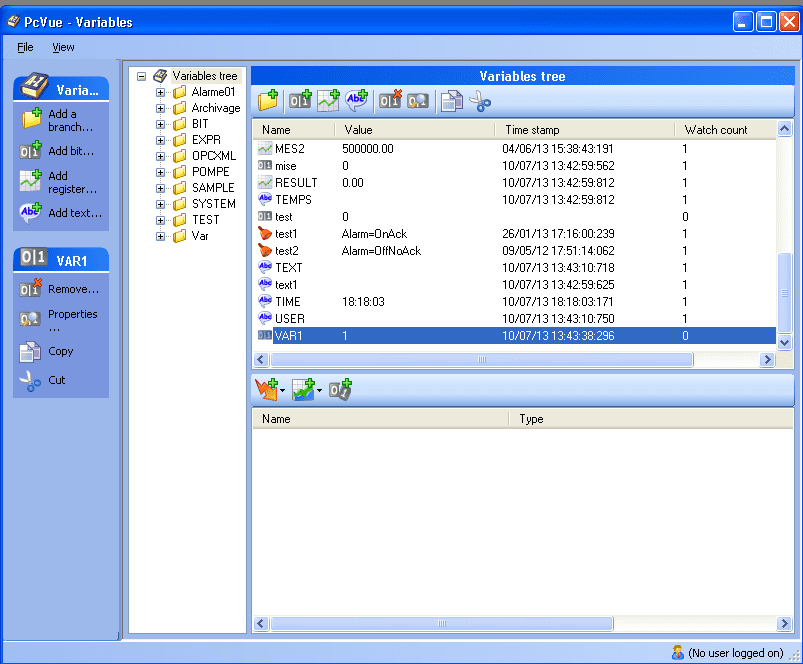
It is necessary to use the watch count variable:
The watch count is set to 1 in the following cases :
UCPT and SCPT variables are refreshed if the watch count goes from 0 to 1. In your project, you must ensure that watch count is 0 and the variable is used in a single open mimic. When opening the mimic the watch count changes from 0 to 1 and the value is updated. |
||
|
|
||
|
Created on: 10 Jul 2013 Last update: 13 May 2024