








Topic
[KB1269]Configuring Multiple S7 Networks in PcVue: Using the device offset parameter

The S7 driver DLL does not handle the notion of network: it only sees a flat list of equipment, each addressed by its position in that list (starting at 0).
As a result, when several S7 Ip Industrial Ethernet networks of the same protocol are declared, the driver restarts indexing from 0 in each network by default. The first equipment of Network 2 is therefore addressed at the same position as the first equipment of Network 1. PcVue raises no error and all devices is showen Connected. But values read on Network 2 actually come from devices on Network 1.
The Device offset parameter tells the driver where the equipment of a given network starts in that flat list, so each device is addressed at the correct position.
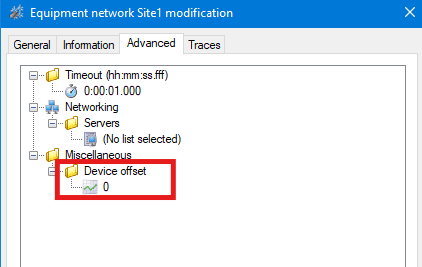
Consider a project with two sites, each represented by a S7 Ip Industrial Ethernet Network :
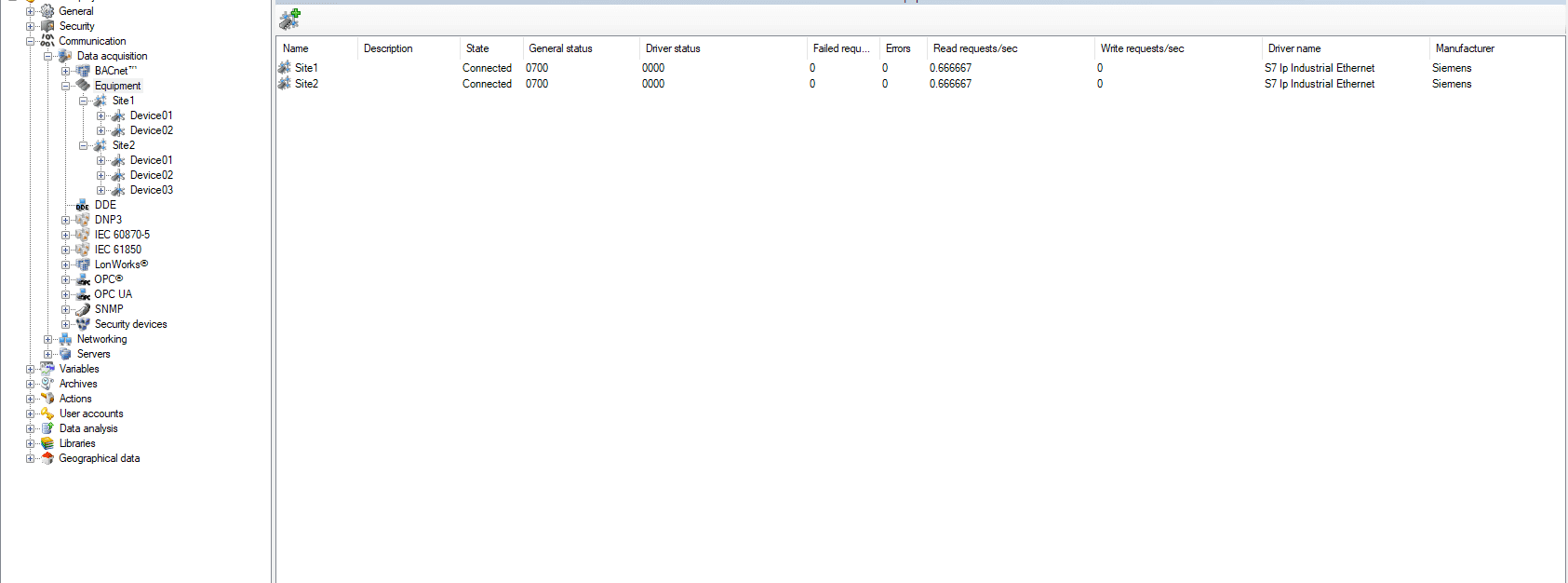
The offset of network N must equal the total number of S7 devices declared in all previous networks.
Result :
| Network | Devices | Device offset |
|---|---|---|
| Network 1 — Site A | 2 | 0 (default) |
| Network 2 — Site B | 3 | 2 |
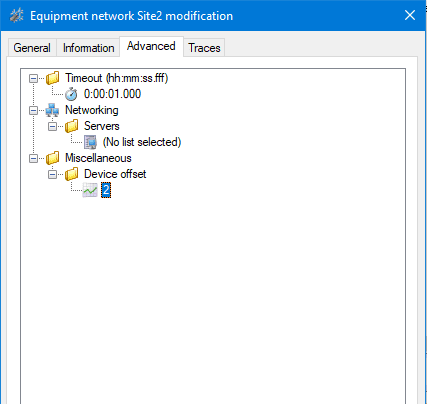
To avoid maintaining offsets manually each time a device is added or removed, this value can be assigned automatically in Application Architect by computing the number of equipment in each network with a count-type expression, and binding the result to the Device offset property. For details on this approach, refer to KB1113.
Created on: 27 May 2026 Last update: 05 Jun 2026