


more quick actions
minimize quick actions







| Applies to:
PcVue all versions since 6.04. |
||
|
|
||
| Summary:
This article explains how to change the order in which animations are executed, without rebuilding the mimic. |
||
|
|
||
| Details:
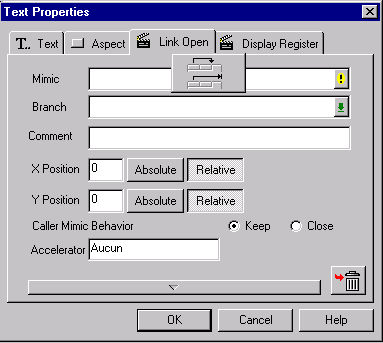
When you put two or more animations on any animation support, animations will be executed from left to right. Some animations, such as Link Open, must be executed last. If you add your animations in reverse order, you will be able to reverse the execution order by right clicking on the Animation tab:
|
||
|
|
||
|
Created on: 13 Apr 2015 Last update: 13 May 2024