


more quick actions
minimize quick actions







| Applies to:
WebVue HTML5 : PcVue 12 and PcVue 15. |
|
|
| Summary:
This article explains how to change manually the size of a window’s title on WebVue. |
|
|
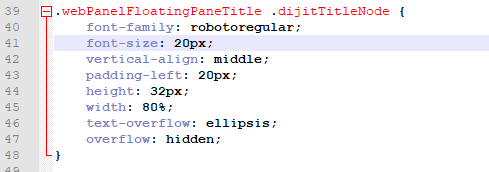
| Details: By default, the font used for titles on WebVue is larger than on PcVue.Using a small window and a large title will result to a truncation as we can see below. 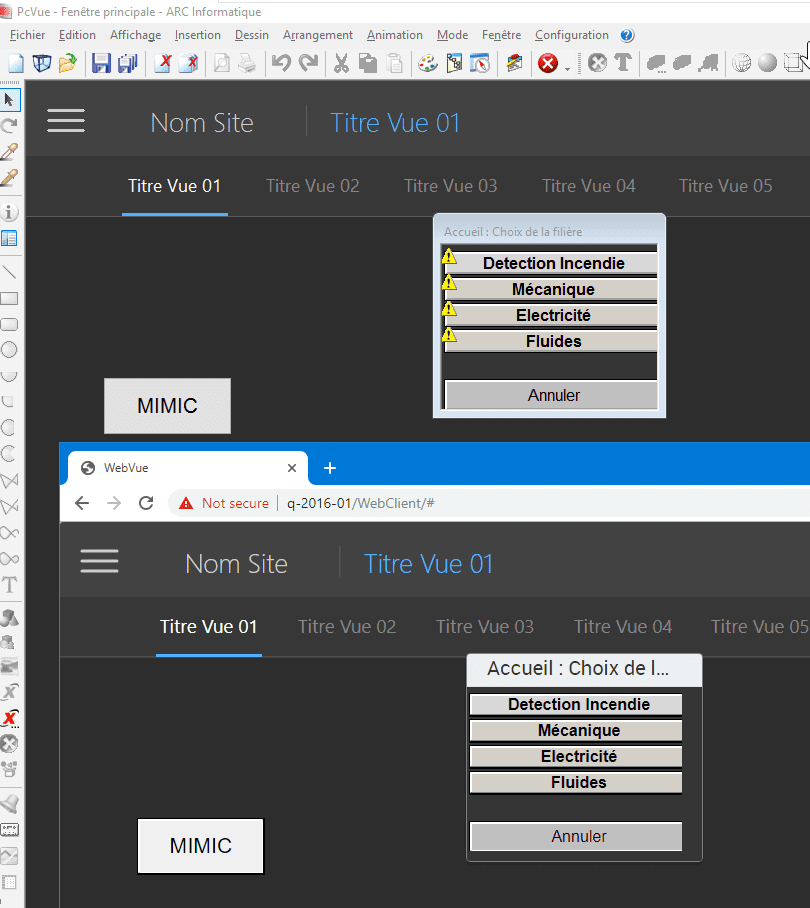 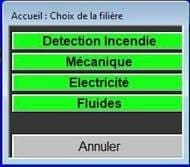 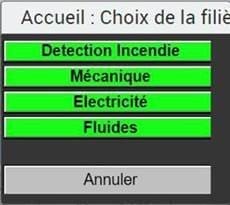 The way to fix this is to change manually the font’s size. It is registered in the file “WebPanel.css” reachable by this path: C:\inetpub\SV Website\GraphicalData\js\jsHMI\Styles\WebPanel.css
|
Created on: 01 Jul 2020 Last update: 04 Sep 2024