Deploying Web clients and Mobile Apps
Deploying the WebVue Client
The WebVue app is distributed and deployed on the web server side with the Web Deployment Console.
It runs in a web browser and does not require any installation or deployment step on the web client side.
See WebVue overview for an overview of WebVue.
See Using WebVue for information on starting, logging in to and logging out of WebVue.
See Using certificates with the WDC for information on certificate management.
When the web server is updated and re-deployed, it is of prime importance to make sure WebVue users empty the cache of their web browser. This ensure that they are using up-to-date resources and JavaScript modules.
Deploying the mobile applications
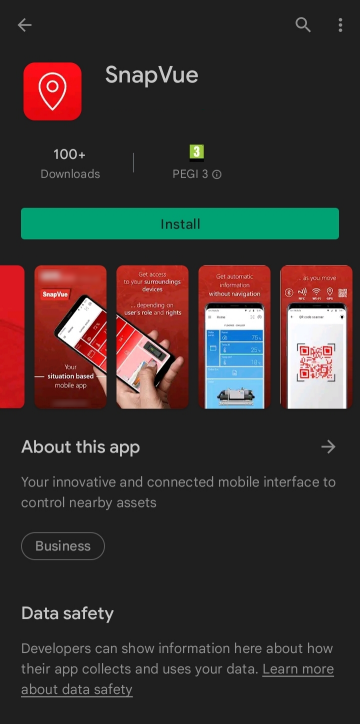
TouchVue and SnapVue are only available on, and must be installed from, either Google Play™ or the App Store.  Show picture
In all situations, we recommend downloading and installing mobile applications from trusted sources.