









| Applies to:
PcVue 10.0 onwards |
||
|
|
||
| Summary:
This article describes the way to configure a controllable variable |
||
|
|
||
| Details:
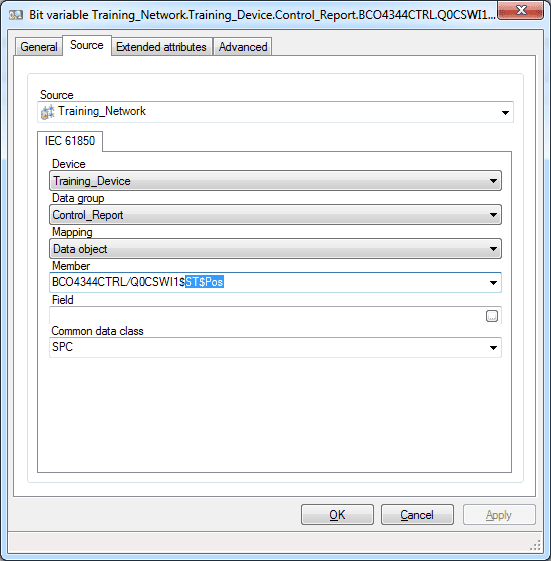
A controllable logical node will contain the specific functional constraint “CO”. The control model allows to change the value of the <LogicalNode>$CO$<DO>$CtVal Data attribute. The “ST” functional constraint contains the feedback value of the control, you can check the real state of the DO thanks to <LogicalNode>$ST$<DO>$StVal Data Attribute. The control object has a DA which represents the real state (StVal), and a DA which represents the control state (CtlVal). You don’t need to create two variables in PcVue to get these information. Thanks to this configuration, you can send a control and receive the real-time value with the same variable.
|
||
|
Created on: 07 Mar 2019 Last update: 30 May 2024